


Working with suppliers who deliver product data in a different language than your target market? Sooner or later you hit the same operational problem: thousands of products to translate, daily data updates, and manual work that never ends. Below are 5 specific reasons why automatic product translation has stopped being an advantage and become a standard for any store in this situation.
Reason 1: Because translating thousands of SKUs manually is simply unfeasible
Let’s start with the math. Manually adding just 1,000 products to a store takes around 160 hours of work. That’s a full month of work for one person before we even touch translation. Translating thousands of descriptions into another language is the same kind of work: slow, manual, never-ending.
Here’s the second uncomfortable truth: translating a product doesn’t end with its name. There’s the description, meta data (title, description), attributes, variants. Every price change or catalog update on the supplier’s side forces translation updates. If you work with two suppliers who refresh data daily, manual translation handling becomes a job you’ll never finish.
Automatic product translation solves this problem at the source. In Megamo’s translation module the process happens in the background during product synchronization. The system translates the name, description, meta data and other product fields. The operator doesn’t launch separate tools and doesn’t wait. Translation is part of the import, not a separate step.
Business effect: instead of the cycle "import -> manual translation -> re-import", you have one process that scales with every additional thousand SKUs.
Reason 2: Because one import can feed multiple markets at once
The traditional approach to translation looks like this: one product import, one target market, one translation process. Entering four markets? Four separate processes, four teams or four orders to a translator. Four times more work, four times more places for things to go wrong.
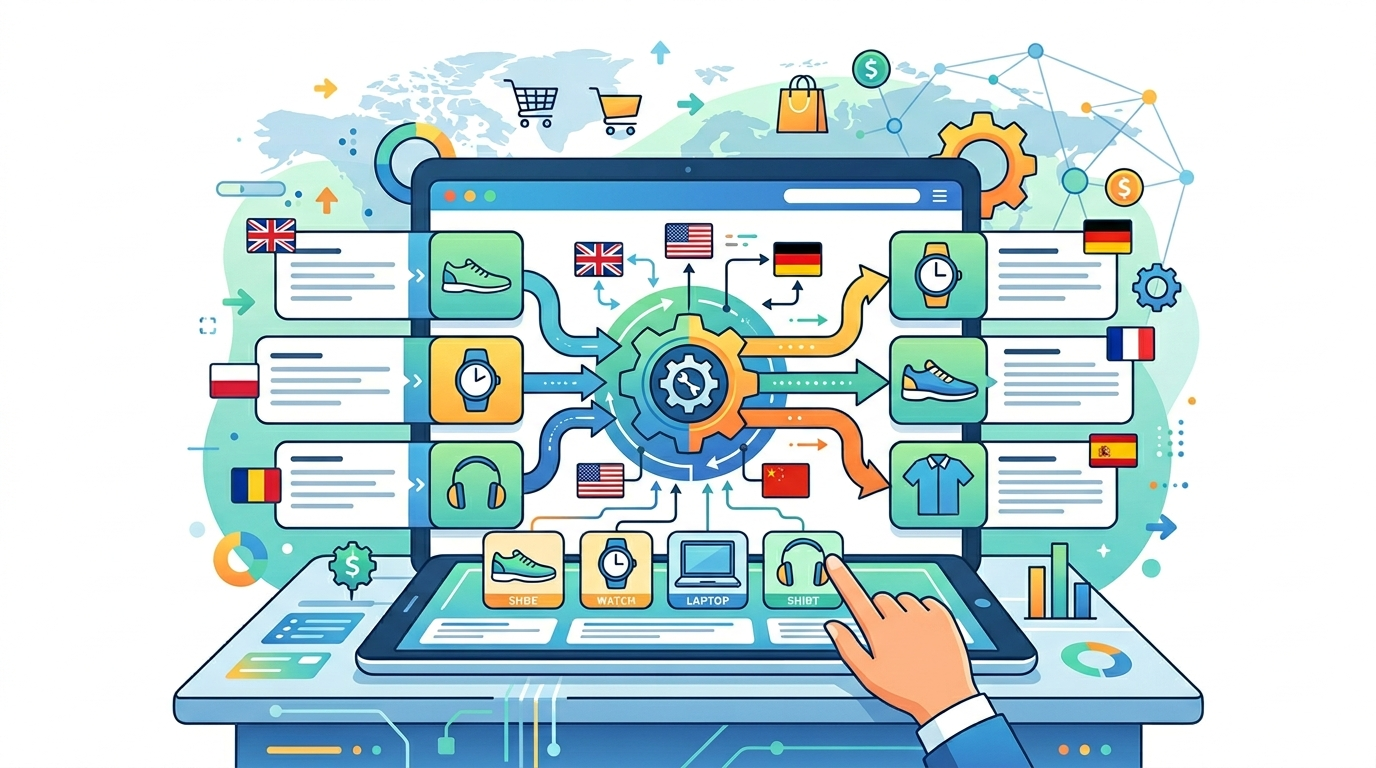
Automation changes this completely. Megamo’s translation module handles translating products into multiple languages at once. Data from a single supplier can feed several language versions of a store (or several stores) without duplicating work.
It’s easiest to see with a concrete example. A customer from Sweden takes products from a Polish supplier and translates them in parallel into four languages: Swedish, Danish, Norwegian, and Finnish. They sell across Nordic markets and have one source of data. Not four processes. One.
For smaller stores it works the same way, just at different scale. A customer from Italy using a Polish supplier gets Polish-Italian translation during the same synchronization. A customer from Spain using a UK supplier gets English-Spanish. In both cases, translation is one less step in operational work, not a separate project.
The more target markets you operate in, the greater the difference between manual and automated processes. Translation automation is a value multiplier, not just a time saver.
Reason 3: Because you decide from what threshold you trust the AI
The most common fear about automatic product translation sounds like this: "AI will do it badly, customers will get clunky descriptions". It’s a reasonable concern – eliminating the human from the editorial process can indeed lower quality. But a modern translation module doesn’t remove the human. It gives them a measure.
In Megamo’s translation module each translation receives an automatic quality score on a 0-100% scale. It’s a score that says: "this translation is good" or "something looks off here".
In practice it works like this: you set a quality threshold, for example 85%. Translations above that threshold can be approved automatically and go straight to the store. Translations below the threshold land in the panel for manual review. Your team focuses where there’s real value: on products that need attention.
It’s not "all or nothing". It’s a tool with a measure of trust. The operator decides where comfort with automation ends and mandatory review begins. The more translations pass the system with a high score, the higher you can set the threshold. You start cautiously and fine-tune over time.
Reason 4: Because you have full quality control without overtime utopias
Automating product translations doesn’t mean the editor loses control. It means they get tools to work at scale instead of drowning in Excel spreadsheets.
In Megamo’s translation panel you can:
- filter translations by language, supplier profile, status, product and quality score,
- search by name or text content,
- compare source text and translation,
- preview formatted HTML fields (so it shows how the description will look in the store),
- review statuses: pending, translated, needs review, approved, rejected.
There are also bulk actions: you select multiple translations and approve or reject them at once. That’s the difference between clicking once a thousand times and one click on the whole batch. For an operator handling a new seasonal collection, that’s hours of work versus minutes.
If a translation needs a small correction, the panel lets you edit it manually, add a note, and save and approve in one step. The system keeps a history of changes, creating an audit trail: who changed what and when. That matters when there are several editors on the team or when you have to return to a problem a month later.
In practice, the editorial process stops being a bottleneck. Your team focuses on the hard cases, and the repetitive part of the work takes care of itself.
Reason 5: Because you have a safety net – only accepted translations go to the store
The main advantage of translations built into synchronization (rather than handled as a separate tool) is the ability to control exactly what appears in your store.
In the module settings you can enable a translation requirement before synchronization. That means: if a translation hasn’t been approved (automatically or manually), the product won’t be sent to the store. The customer chooses the work mode: either "everything goes through, even if the translation is pending review", or "only approved translations". The second mode is a safety net protecting against situations where an Italian customer sees a description in Polish.
The second mechanism concerns urgent products. In the product details view, the "Translate now" button allows you to trigger immediate translation without waiting in the queue. This is particularly useful for urgent products or testing – the urgent SKU gets translated right away.
The third element is the real-time dashboard. In one place you see the number of all translations, approved, needing review, rejected and pending. Data can be filtered by supplier profiles, so you quickly identify if any supplier generates worse translations (for example, due to low-quality source descriptions).
Together these three elements – the optional gate, "Translate now" and the dashboard – give the operator what an external translation tool doesn’t: control over what enters the store, when, and at what quality.
Conclusion
The five reasons to automate product translation come down to one signal: scale requires tools that manual work can’t replace.
Scale (reason 1) eliminates manual translation as an option for any store with more than a few hundred SKUs. Multi-language (reason 2) changes the work-to-result ratio when you operate in multiple markets. The quality score (reason 3) removes the main fear of AI. The panel with bulk actions (reason 4) gives the editorial team tools matching the scale. The optional gate and dashboard (reason 5) ensure nothing half-finished appears in the store.
Automatic product translation stops being an advantage – it becomes a standard for anyone selling supplier products in a language different from their market. The question is no longer "whether to automate", but "when to start and how to set the quality threshold".
If you run a store with suppliers in a different language than your target market (or several markets), check out our product translation module from Megamo. We’ll show you how to set up the process for your specific scenario – from a single translation direction to handling multiple markets at once.